

Ships in 3 business day※
Images and text are easy to use.


Create an acrylic stand easily by placing your favorite design within a 10×10cm frame.
You can even
print on the base, allowing for truly original designs!
Cut
lines can be created using the design tool, so beginners can feel confident!
※The acrylic
stand has a maximum height of 10cm, including the claw section (3mm long).
★How to Use the Design
Tool★
① Select "Choose Base Shape" from
the Design Menu.
② Choose the base
position.
③ Once the base appears, place your preferred image onto it and click Finish.
④ Position
the insertion slot (tab).
⑤ Place your desired image on top of the insertion slot (tab).
⑥ Select "Cut to match design and insertion slot" from the cutting menu
.
※The insertion
slot is set slightly loose to prevent it from becoming unusable due to cutting tolerances.
Clear
■Stand Section Maximum 10×10cm (including base)
â– Round Base Diameter 3cm
■Oval Base W5×H2.5cm
■Heart-Shaped Base W4×H32.4cm
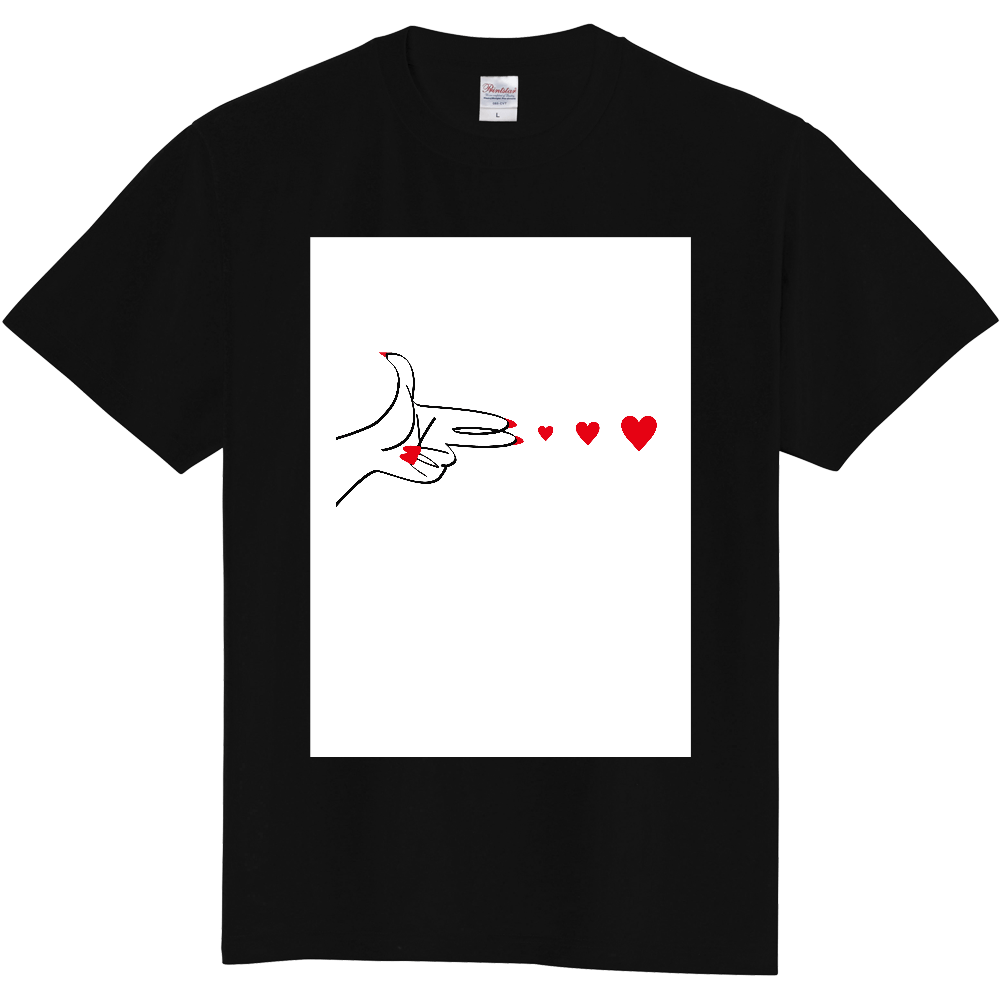
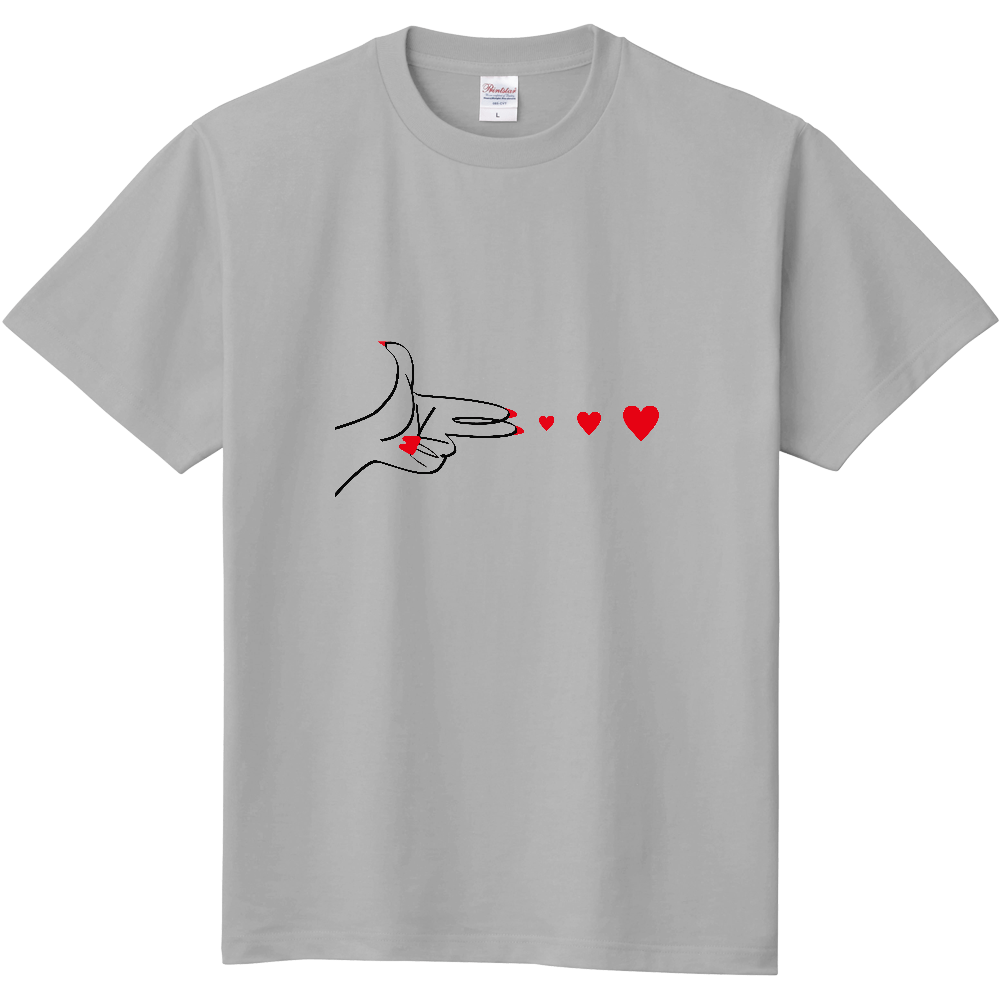
Please note that the white of the design will be printed on bodies other than white. Please be sure to make the areas you do not wish to print transparent (PNG format) before ordering.
Example 1 > Since the body is white, the "white" background visible in the preview will not be printed.
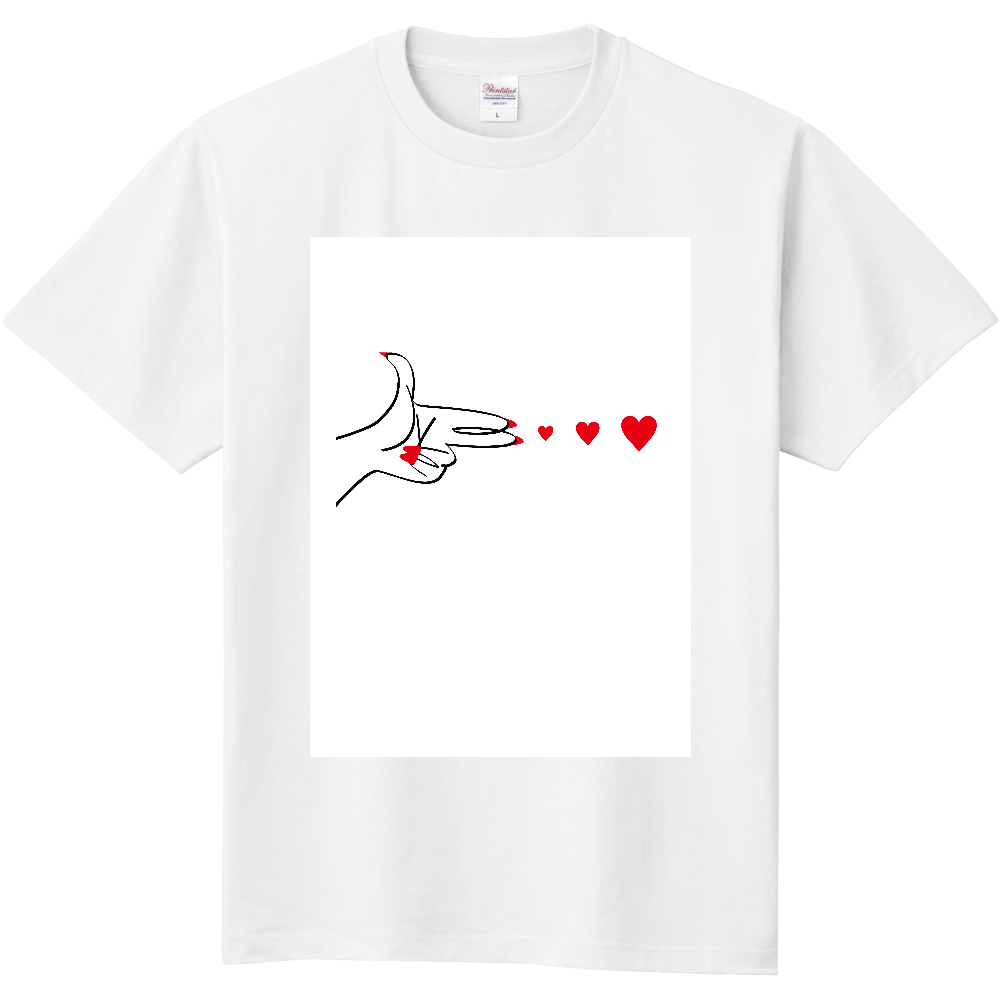
Example 2 > The background "white" is printed because the body is other than white.
Example 3 > The background is processed transparently so that only the black and red design areas are printed.
Enter quantity
| Color | Size | Inventory | Quantity | Unit price | Subtotal |
|---|